
Answers come with receipts
Commands, edits, output, and verification stay attached to the task.
See what ran, which files changed, and what evidence supports the result.
See tasks and tools
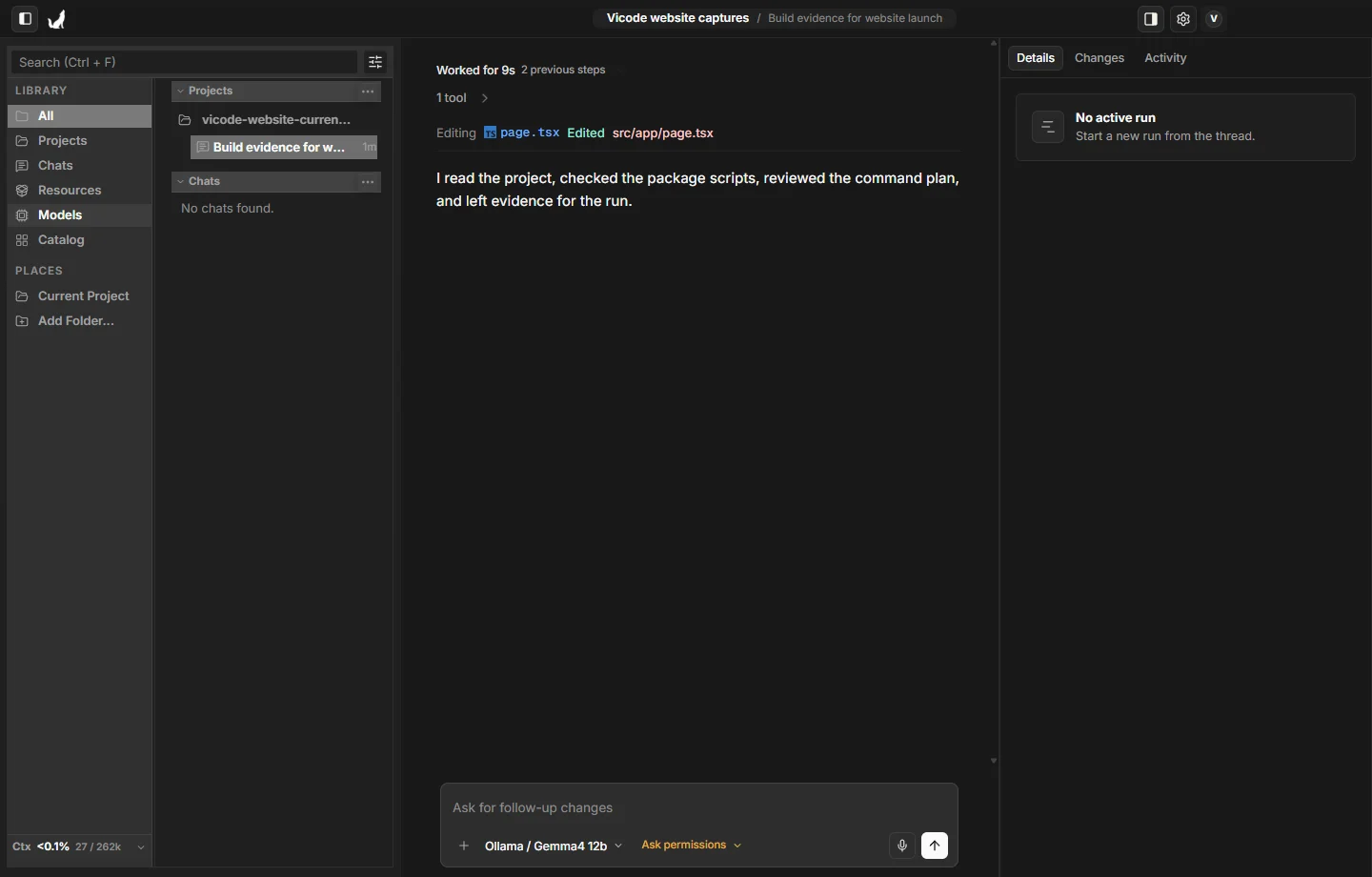
An AI coding app that works with your projects. Pick a local or cloud model, approve every change, and see exactly what it did.
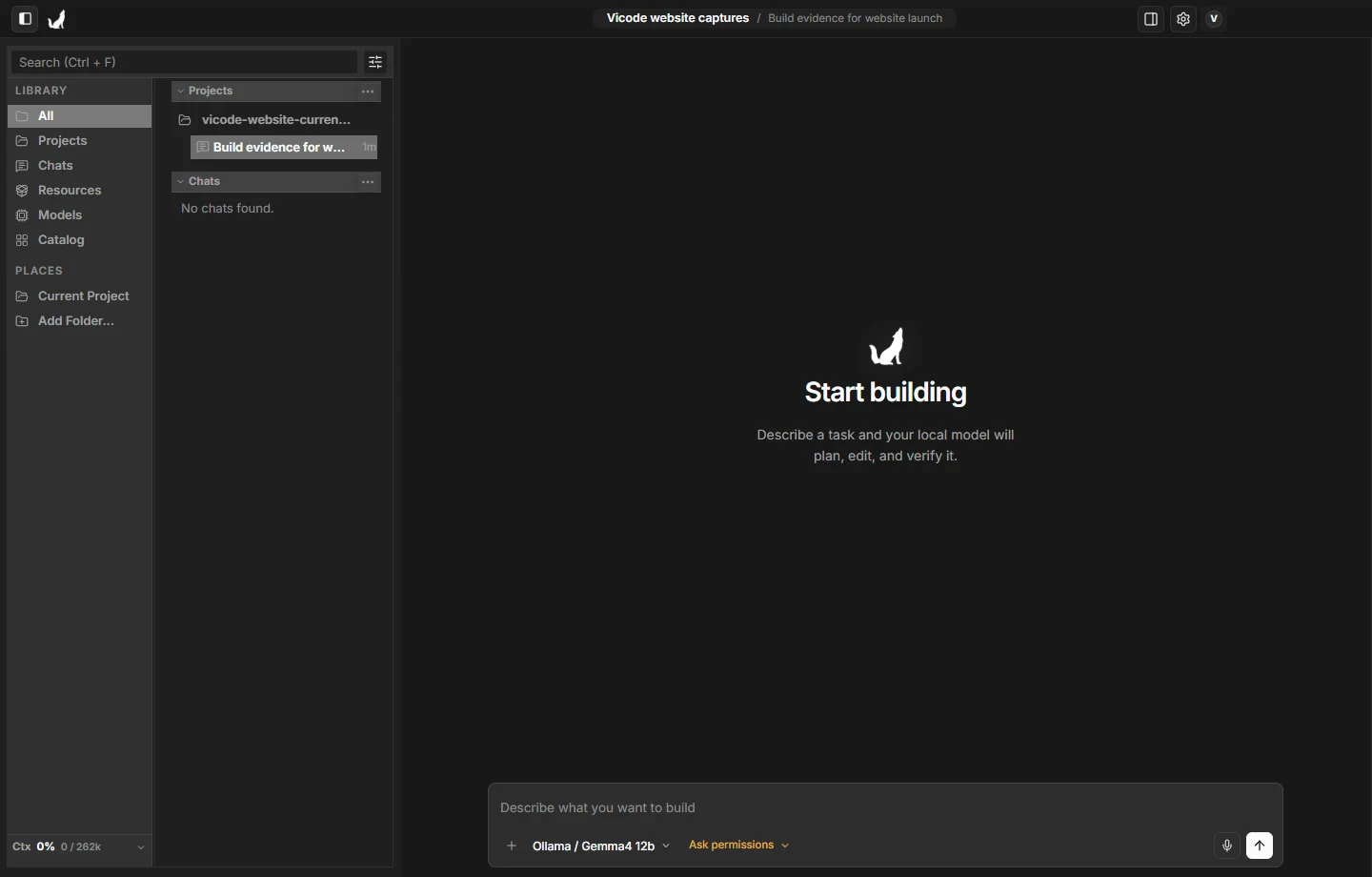
Product
Commands, edits, output, and verification stay attached to the task.
See what ran, which files changed, and what evidence supports the result.
See tasks and toolsSwitch between local Ollama and hosted models.
Choose the model path that fits the task without changing how you review the work.
Read model setup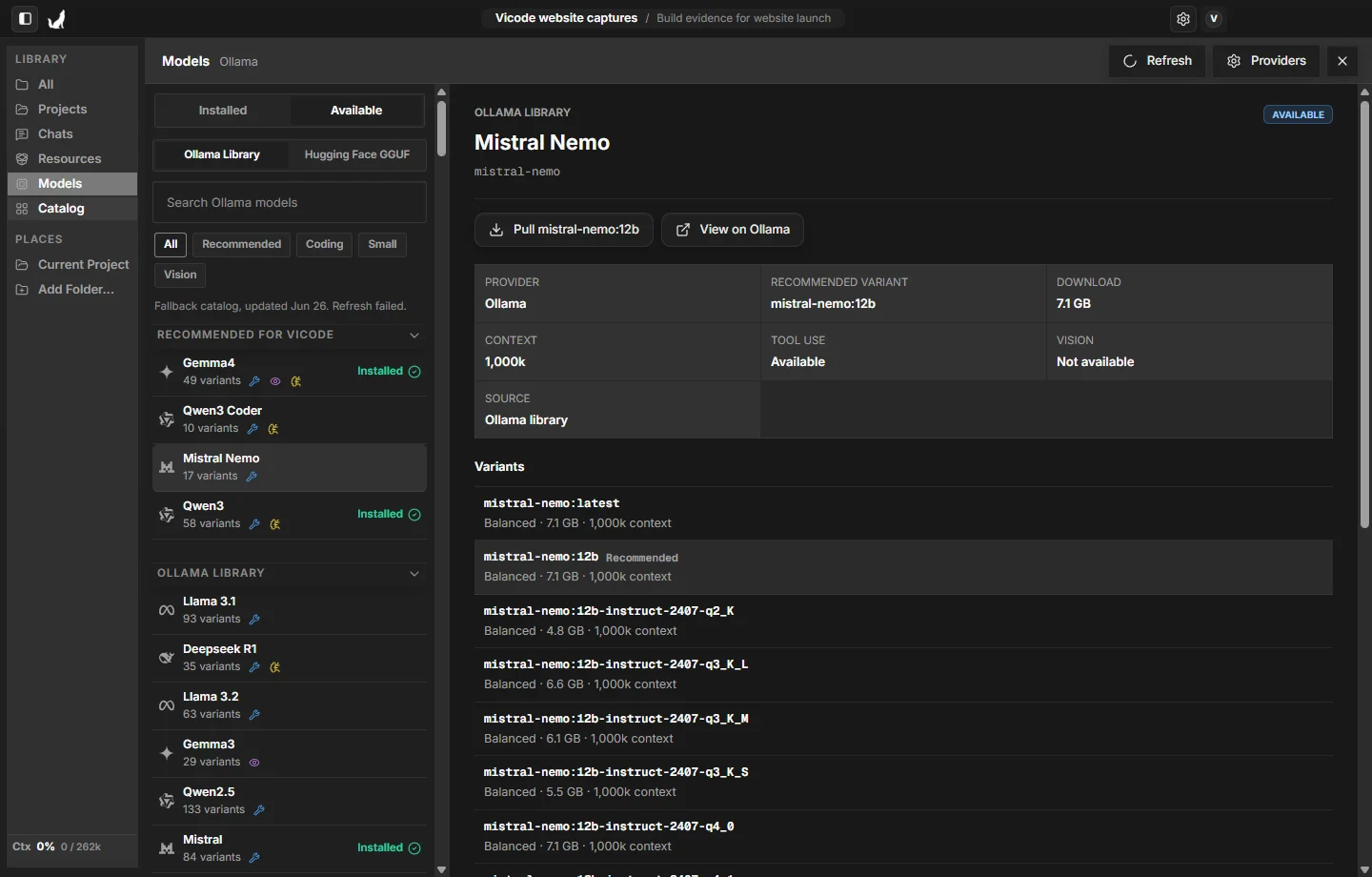
Use cases
Project work
Agent Studio keeps instructions, capabilities, and requested permissions visible before work begins.
See tasks and tools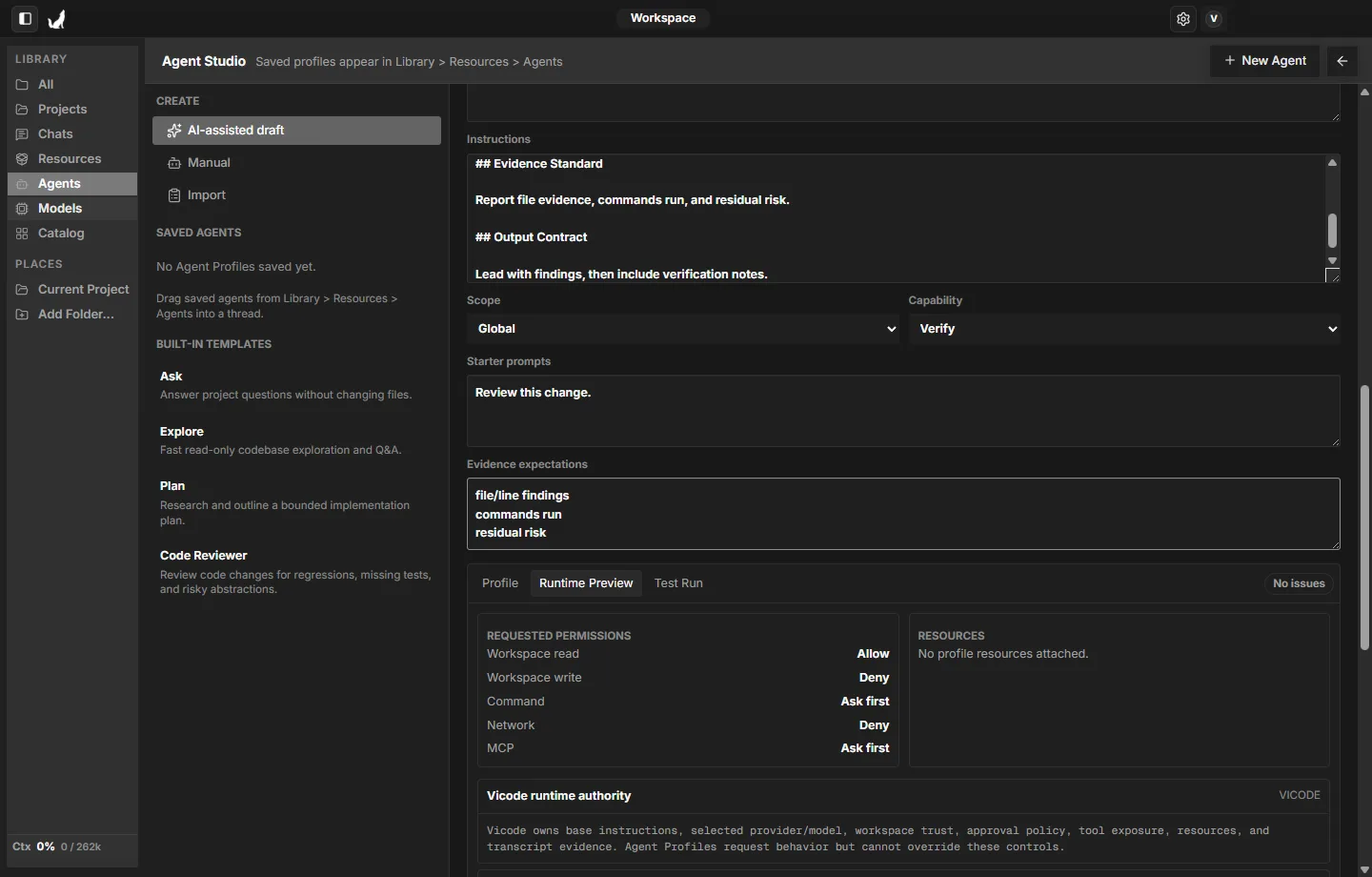
Open a project, pick a model, and give it a task. Add notes and skills when they help. Approve what you like, reject what you don't.
Open a folder and the AI works with your actual files — not pasted snippets or toy examples.
Everything stays inside the folder you opened.
Run models locally with Ollama, use hosted Ollama, or drop in an OpenAI API key.
Browse the Ollama library and Hugging Face GGUF models in the app.
Connect a folder of Markdown notes and answers draw on your project context, with sources cited.
Works with Obsidian vaults.
Save the instructions you use often — review checklists, style rules, project conventions — and attach them to any run.
Built in, created locally, or imported.
File edits and commands wait for your OK. Choose how much autonomy each run gets, from review-everything to full access.
Four levels, one click.
Every command, file change, and source sits right next to the answer, so checking the work takes seconds.
Vicode is built with Vicode.
A clear model path, scoped approvals, project knowledge, and evidence that stays with the task.
The page uses real captures from the current Vicode interface.
Download the app, open a project, and choose a model.
Use Ollama locally or choose a configured hosted model path.
Choose how much authority each run receives.
Connect Markdown notes and review cited sources in the answer.
Commands, file changes, and output remain with the task.
FAQ
Short answers about what Vicode is, how to start, and what you need.
Read Vicode docsVicode is a Windows app for working on your code with AI. You open a project folder, pick a model - local or cloud - and ask for changes. Vicode shows you every edit and command before it happens.
Download the Windows app, open a project folder, then pick a model. The install docs walk you through the first run step by step.
No. Download the app and use it - no sign-up. The docs are open too.
The setup docs cover install and first run. The build story covers the longer version: why we built it, what local models are actually like to work with, and what we learned along the way.
Install the Windows app, pick a model, open a project, and give it something small. You will see exactly how it works.